


AI prompt case study
Comparing CORE and RAPPEL frameworks using ChatGPT & Gemini
This case study documents an experiment to test how different AI models handle distinct tasks: data gathering, creative synthesis, and infographic generation. The goal was to see how I could use AI to translate two professional frameworks (CORE and RAPPEL) into a digestible infographic for colleagues to view.
What I uncovered were helpful insights into AI’s limitations and how I can improve my own prompting.
Step 1:
Gathering data on the CORE framework
The first step was to get a simple, clear definition of the CORE framework from ChatGPT.


Step 2:
Gathering data on the RAPPEL framework
Next, I repeated the same process for the RAPPEL framework to get a comparable dataset.

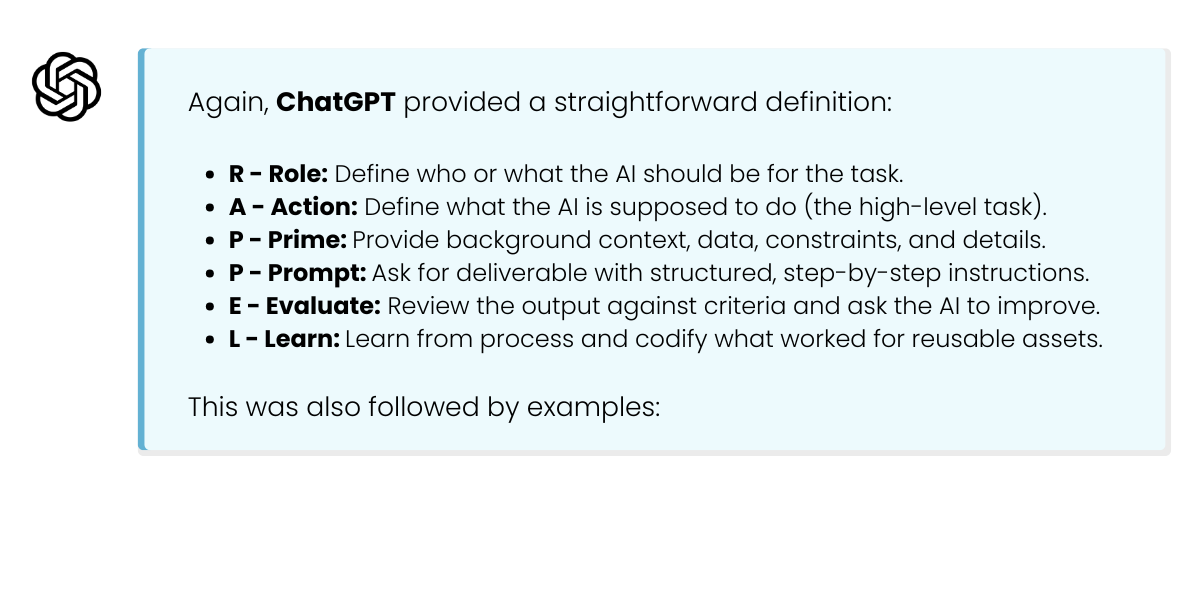
Step 3:
The "expert" prompt for creative synthesis
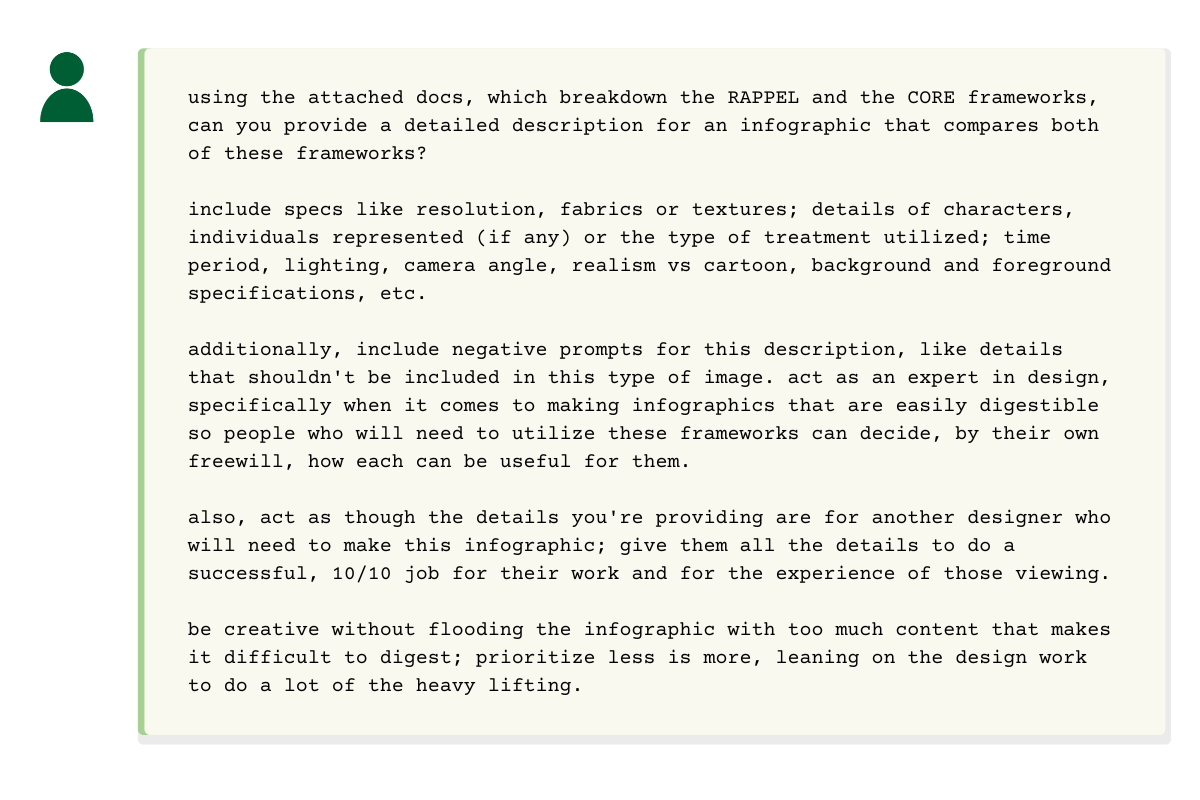
This was the key part of the experiment. Instead of just asking for an infographic, I switched to Gemini and tasked it to act as an expert designer writing a *detailed brief* for another designer. The goal was to test its ability to handle complex, role-based instructions and creative synthesis. I wanted to see what information it would provide for creating this type of infographic; what information would be needed for a 10/10 design.

Step 4:
Testing the brief and discovering limitations
Finally, I took Gemini's detailed design brief back to ChatGPT (using its DALL-E integration) to see if it could finally execute the instructions.
The conversation:
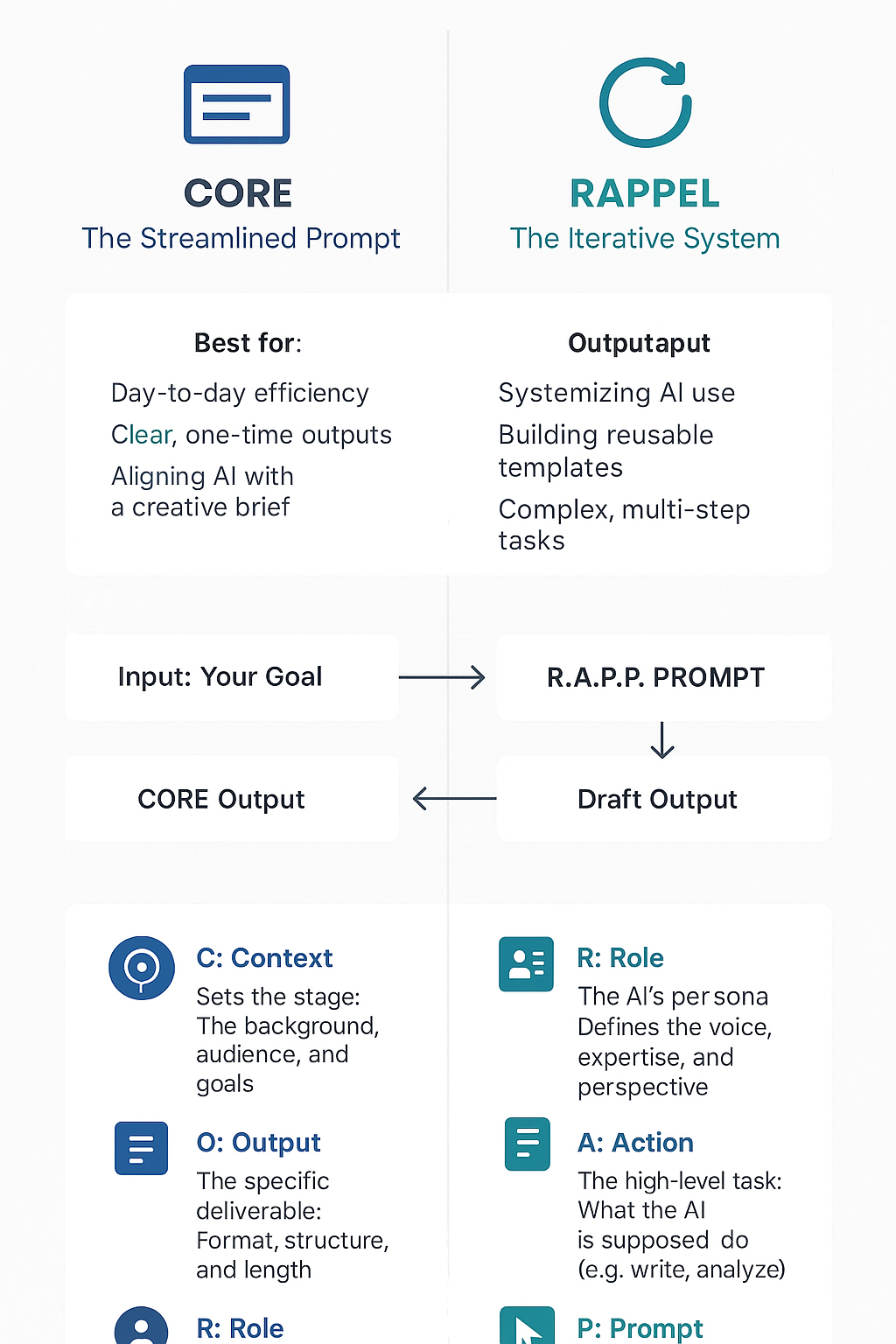
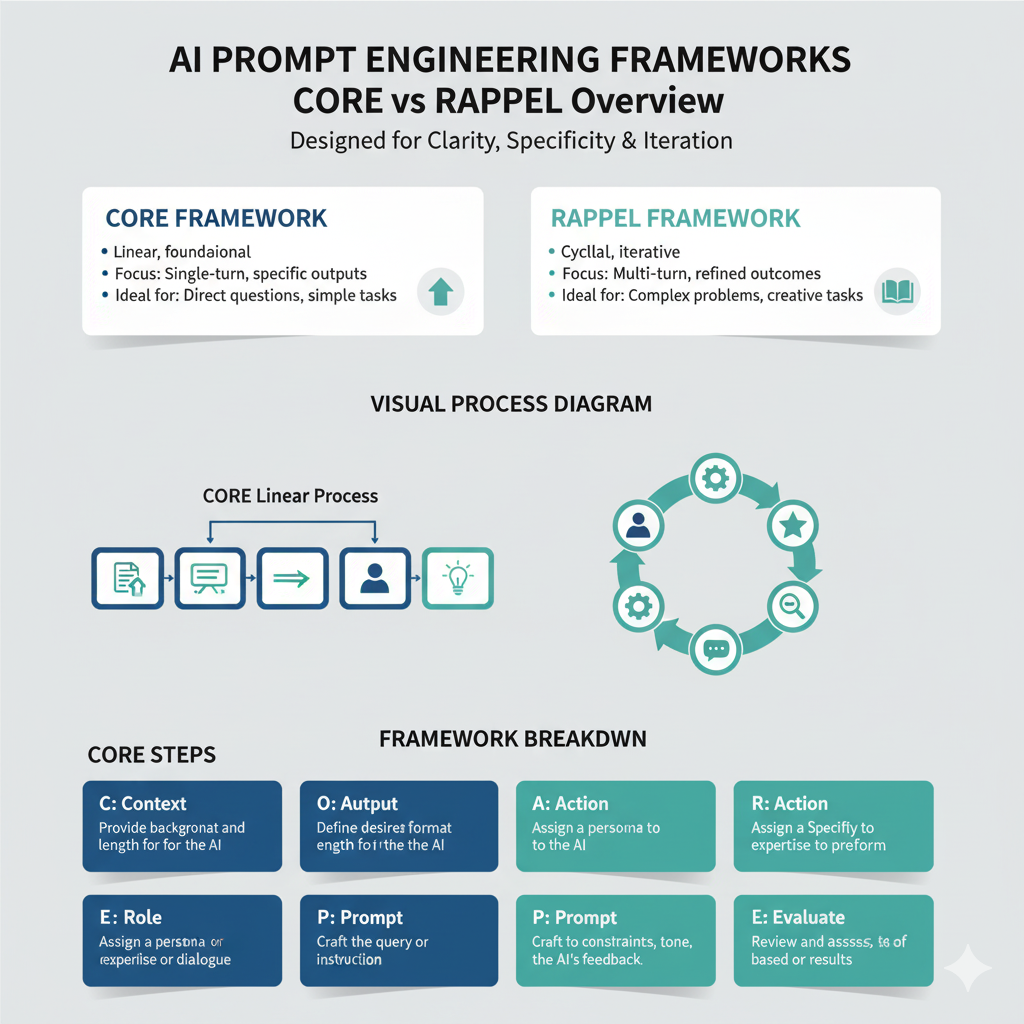
I fed the detailed brief into ChatGPT. The resulting conversation shows its limitations and suggestions for more effective prompting. Check out the full, unedited chat history and view examples of infographics created by ChatGPT and Gemini below. In the images, you’ll notice aspects cut off, incomplete ideas, reinterpretations, and more.
Analysis:
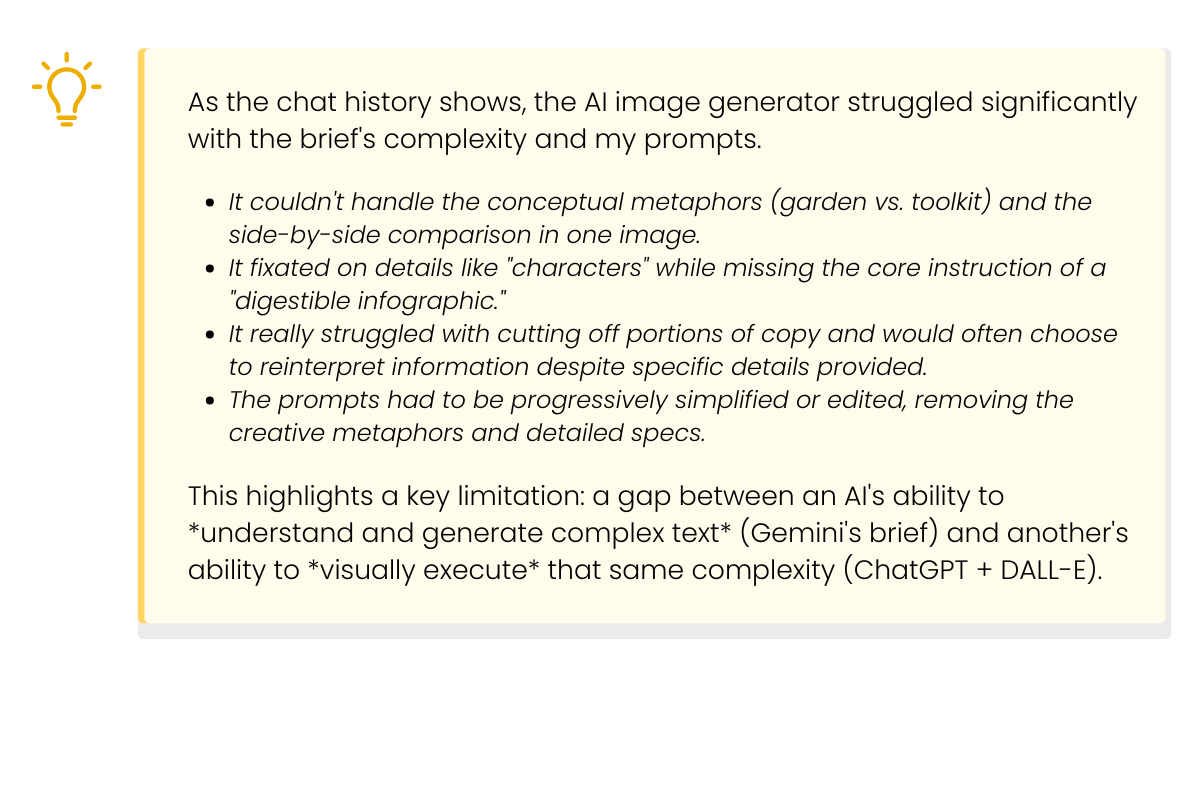
Discovering limitations and key takeways
Key takeaways
AI models have different strengths: Use different models for different tasks. While ChatGPT was great for simple data retrieval, Gemini excelled at complex, creative, and analytical synthesis (writing the brief) and even produced a better design, despite missing info.
The "expert persona" is powerful: Asking AI to "act as an expert designer" and "write for another designer" yielded a far more detailed and useful result than just asking for an infographic; however, be mindful of how more complex information could confuse the model on specific tasks.
Recognize tool limitations: The image generator was the bottleneck. It couldn't parse the "expert brief" that the text model wrote. This teaches us to match the complexity of our prompt to the *actual capability* of the tool we're using.
Use AI for scaffolding: The best output from this entire process was not the final (failed, hahaha) image, but Gemini's detailed design brief. A human designer could potentially use that brief to create a "10/10 job," or have it act as a framework for the start of their project, making AI a valuable *creative partner* rather than an executor.
Iterate and simplify: The ChatGPT conversation shows that when an AI fails, "prompt engineering" often means simplifying and clarifying, not adding more detail. Don't be afraid to ask the model what it needs to do a task or how a previous prompt led to an unwanted response. The information it provided was really useful for future prompting.

Case Study | November 2025
Designed with the assistance of Gemini. Refined through the mind of Sonder Collins.